AEC · · 3 min read
Photoreal Architectural Rendering with V-Ray: A Practical Guide
Lighting, materials and cameras: the essentials of convincing architectural rendering with V-Ray.
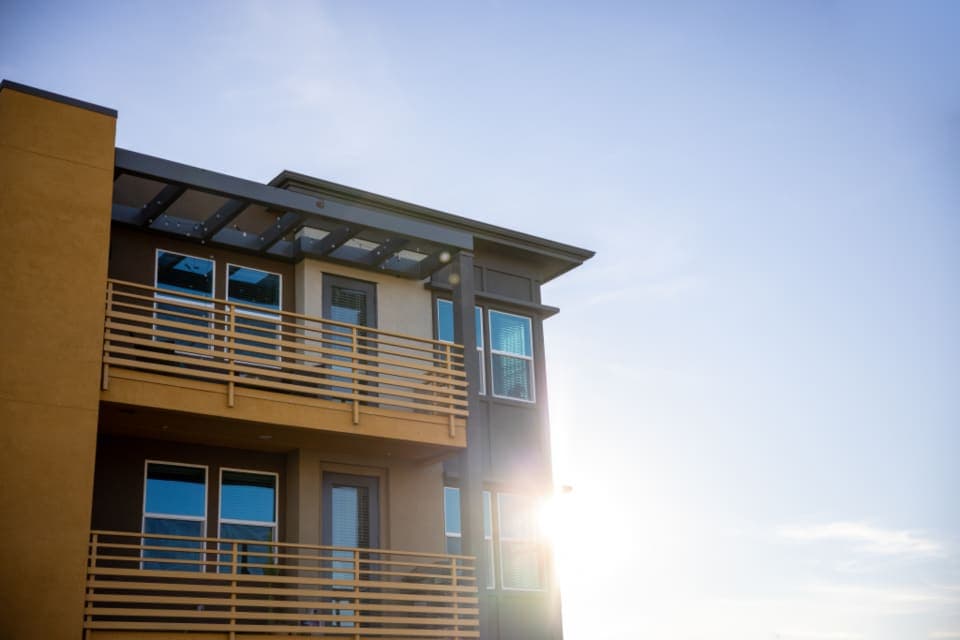
Architectural rendering turns a 3D model into images that clients, buyers and approval authorities understand instantly. V-Ray by Chaos is one of the most widely used rendering engines for photoreal results, and it works inside SketchUp, Rhino, 3ds Max, Revit and other tools.
Why photoreal rendering matters
A convincing render helps clients approve designs sooner, lets developers market projects before construction and reduces costly changes late in the process.
Start with a clean model
Good rendering starts in the model. Fix overlapping faces, give surfaces correct thickness, and organise objects by material. Add bevels to sharp edges so they catch the light like real objects.
Lighting: the biggest factor
Daylight
Use a sun and sky system and set the real location, date and time. Low sun angles in the morning or evening create long shadows and warm tones that flatter architecture.
Interior lighting
Combine daylight from windows with artificial lights that match real fixtures. Use realistic colour temperatures and avoid over-lighting the scene.
Materials that look real
Real materials have variation. Use high-quality textures at the correct scale, add subtle reflections to floors and glass, and use bump or displacement for brick, stone and wood. V-Ray's material library is a good starting point.
Cameras and composition
Shoot at eye level for natural views, keep verticals straight, and use focal lengths similar to real photography. Frame the building with context such as trees, people and sky.
Post-production
Small adjustments to exposure, contrast and colour balance make a big difference. Render passes let you adjust reflections and lighting without re-rendering.
Faster options
For real-time walkthroughs, Enscape from Chaos renders as you design and is ideal for quick client reviews; V-Ray remains the choice for final, highly detailed images.
JSK Infosolutions is an authorized Chaos partner and also offers architectural rendering as a service.
Frequently asked questions
What is V-Ray used for?
V-Ray is a rendering engine used to create photoreal images and animations from 3D models in architecture, interiors, product design and film.
Which software works with V-Ray?
V-Ray is available for SketchUp, Rhino, 3ds Max, Revit, Cinema 4D and several other 3D applications.
What is the difference between V-Ray and Enscape?
Enscape renders in real time and suits fast design reviews; V-Ray takes longer but gives more control and higher detail for final images.